12. Setting up
There are two types of settings: the first type is project related settings, and modifying these settings will only affect the current project.The second type is settings that are unrelated to the project, and modifications will affect all projects.
The following instructions set the current project as the first category and those not specified as the second category.
The [Default] key that appears will save the current settings as the default settings. When creating a new project next time, the current first type of project related settings will be used as the parameter settings for the new project
Set program menu
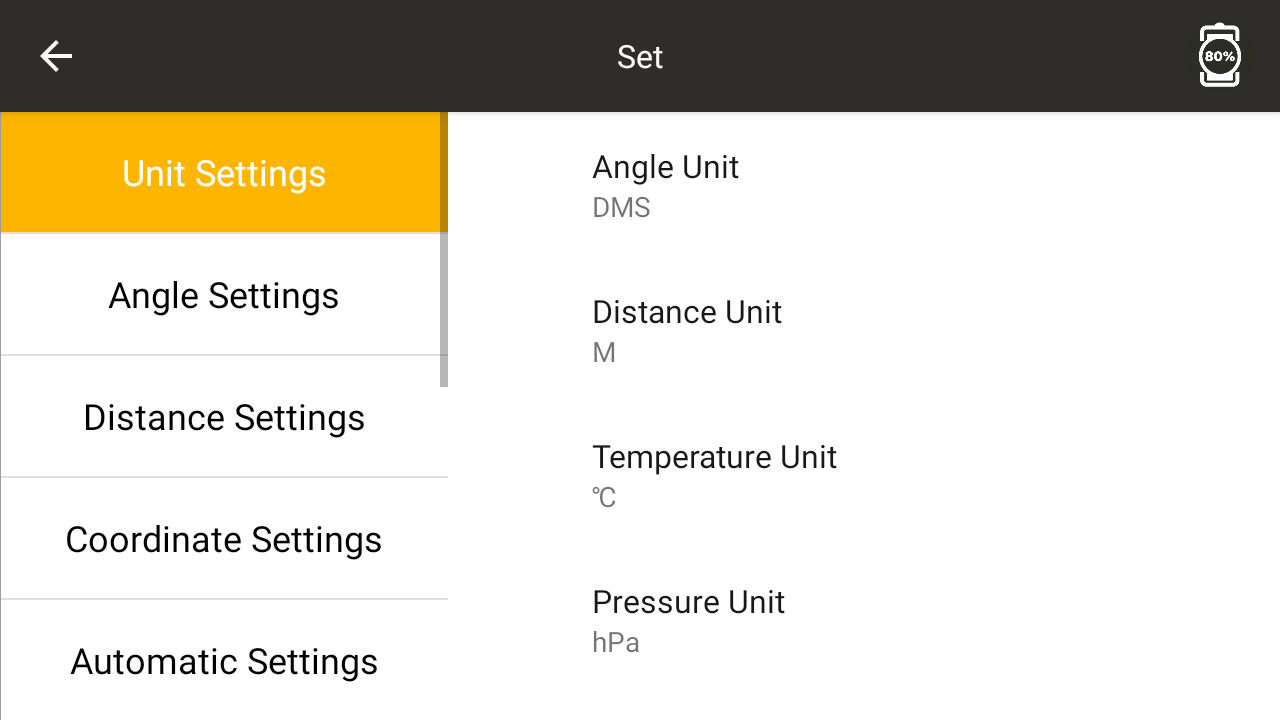
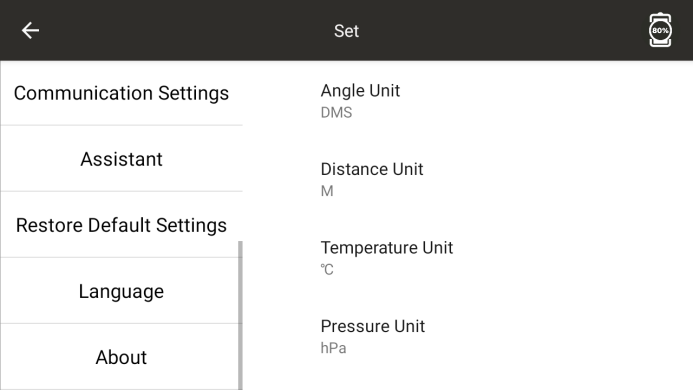
12.1 Unit Setting
● Set up units. The unit is related to the specific project, and the unit may vary depending on the project
◆ Angle Unit: Set the current project angle unit
◆ Distance Unit: Set the current project distance unit
◆ Temperature Unit: Set the current project temperature unit
◆ Air pressure unit: Set the current project air pressure unit
12.2 Angle related settings
● Make angle related settings
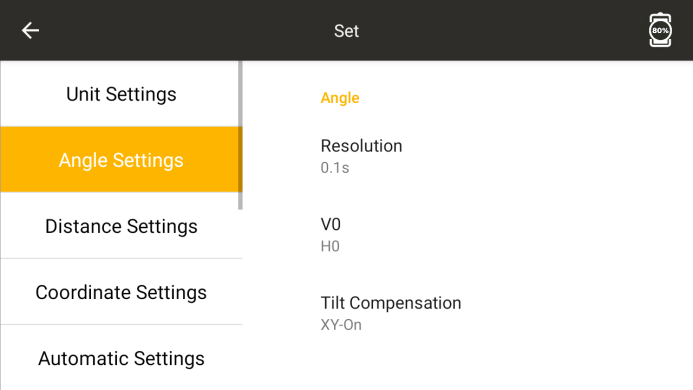
Resolution: Angle display accuracy (only for high-precision instruments)
◆ Vertical Zero Position: Set the current project's vertical angle to display as zenith zero or horizontal zero
◆ Tilt compensation: Set whether to enable automatic compensation
12.3 Distance related settings
● Set parameters related to distance
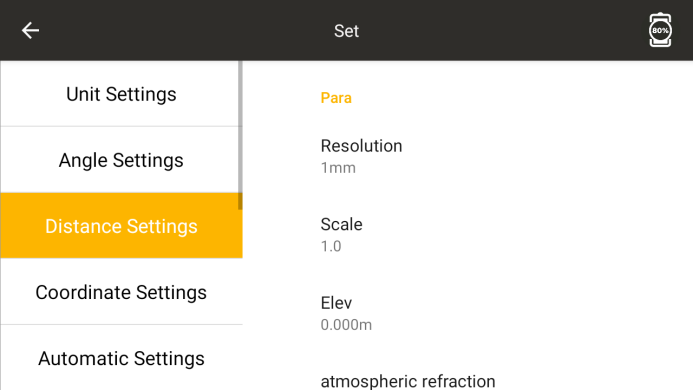
Resolution: Distance value display accuracy (only supports high accuracy)
Scale: Set the scale factor for the current project station location
◆ Elevation: Set the elevation of the current project station location
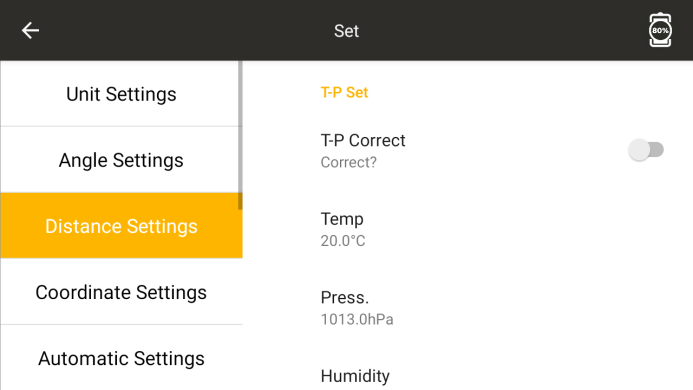
◆ Two difference correction: Set the parameters for correcting the impact of the current project on atmospheric refraction and Earth curvature.
◆ T-P correction: Is temperature and pressure compensation enabled
◆ T-P Automatic: Automatically activate T-P correction
◆ Temperature: Set the project temperature
◆ Air pressure: Set the project air pressure
PPM: Set atmospheric correction value
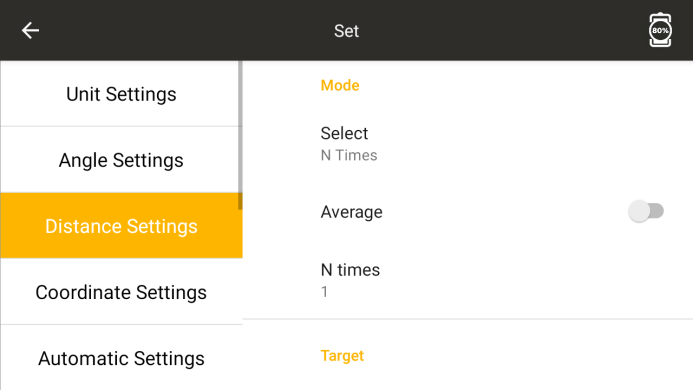
◆ Mode selection: Set measurement mode
◆ Average Results: Have N measurement results been adjusted and displayed
◆ N measurement times: Set specific measurement times
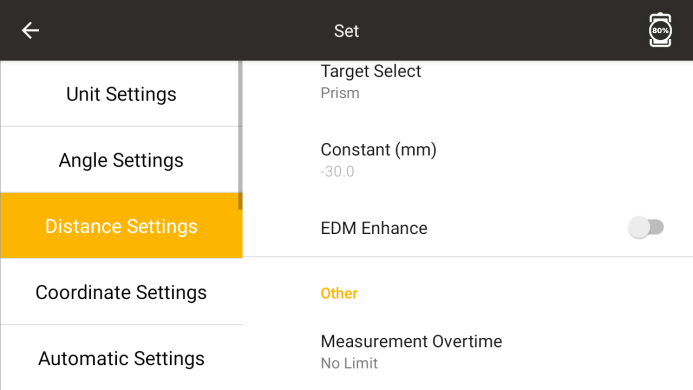
◆ Target selection: Set cooperative targets for distance measurement
◆ Constant: Prism plus constant
◆ Range enhancement: whether to enable the range enhancement mode
12.4 Coordinate related settings
● Set coordinate related parameters
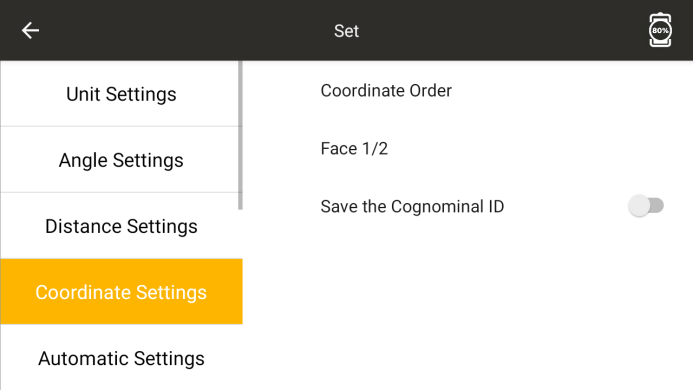
◆ Disk left and right: Whether the measured coordinate values are related to disk left or disk right. If set to unrelated, the results of disk left and disk right measurements will be the same
12.5 Automation related settings
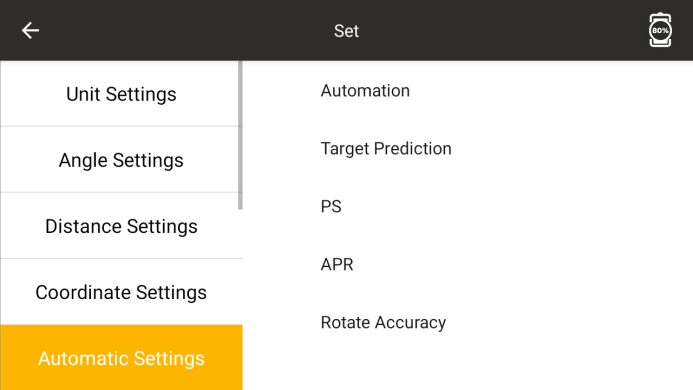
Automation:
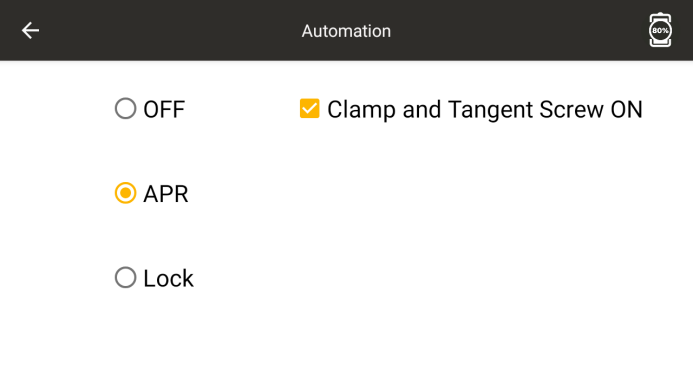
◆ Off: Turn off automatic target recognition
ATR: Enable automatic target recognition
◆ Locking: ATR locks the prism function, and the instrument moves with the movement of the prism
◆ Fine tuning control handwheel on: Check to enable handwheel adjustment mode
● Target forecast
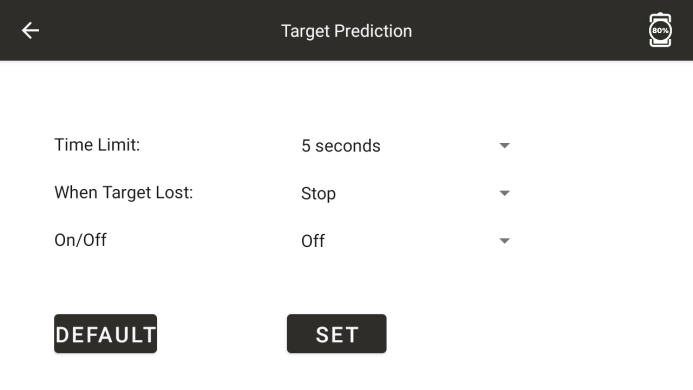
In lock mode, when the lock time exceeds the time limit for predicting the target position, the instrument processes according to the processing method for not detecting the target after prediction.
◆ Default: Restore default settings
◆ Settings: Save parameters
● power search
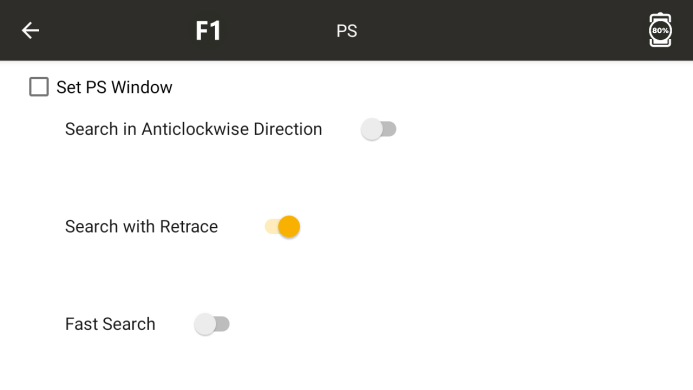
◆ Use the power search Work Window: Check the box to enter the power search Work Window settings
Horizontal corner left: horizontal corner of the left boundary of the window
Horizontal Corner Right: Window Right Boundary Horizontal Corner
◆ Vertical angle: The vertical angle of the upper boundary of the window
◆ Vertical angle: Vertical angle of the lower boundary of the window
◆ Minimum distance: power search minimum distance setting
◆ Maximum distance: power search maximum distance setting
◆ Confirmation: Save Settings
◆ New: Create a new power search window
◆ Centering: With the current position of the instrument as the center, 30 degrees horizontally on both sides and 20 degrees vertically up and down
◆ Display: The instrument rotates according to the set window
◆ Counter clockwise search: Check whether to rotate counterclockwise
◆ Retraction: Check whether to retrace a certain angle for searching
◆ Quick Search: Check whether to enable the quick search function
ATR search
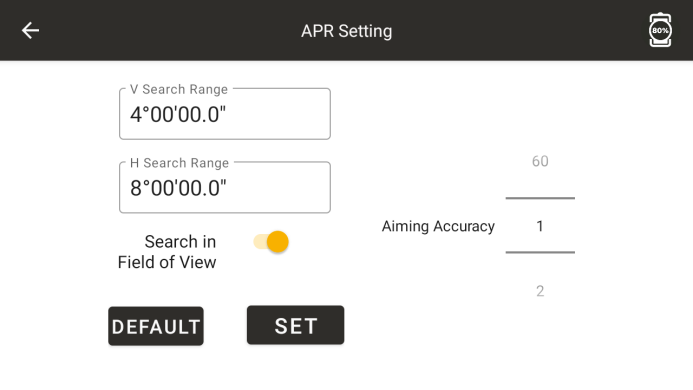
◆ Vertical search range: Edit the ATR vertical search range
◆ Horizontal search range: Edit the ATR horizontal search range
◆ Precise aiming: Turn on or off the precise aiming mode
◆ Default: Restore default settings
◆ Settings: Save parameters
● Rotation accuracy
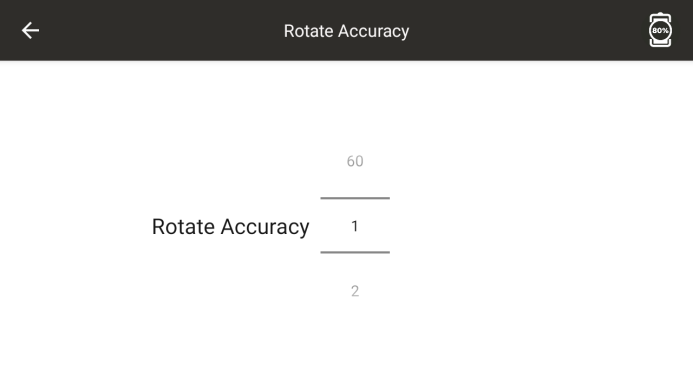
◆ Rotation accuracy: Set the maximum allowable rotation error
12.6 Communication Settings
● Set serial communication parameters
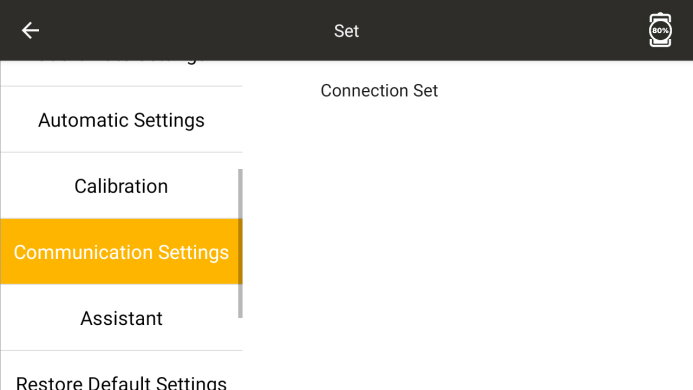
◆ Connection settings: Click to open the serial port settings program.
◆ Baud rate: Set the baud rate for serial communication
◆ Data bit: Set the data bit for serial communication
◆ Inspection bit: Set the inspection bit for serial communication
◆ Stop bit: Set the stop bit for serial communication
◆ Protocol: Stargazer, COM, PDA, IM remote protocol
◆ TCPIP connection: Click to establish TCPIP connection
◆ Serial port connection: Click to connect to the serial port
◆ Bluetooth connection: Click to connect via Bluetooth
Regarding: Displaying Version Number
12.7 Calibration Settings
● Set calibration related parameters
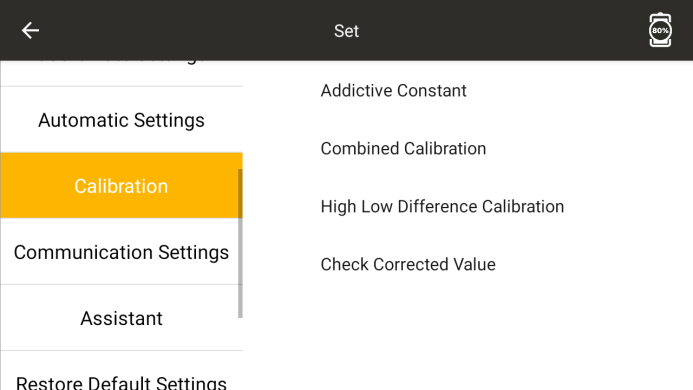
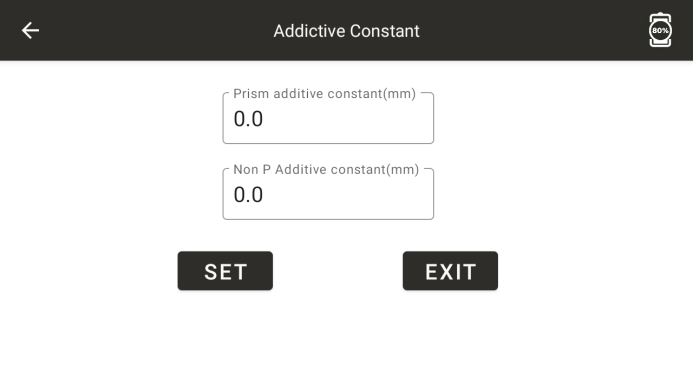
◆ Constant setting: The instrument constant K measured in the presence of a prism; Instrument constant K measured without prism
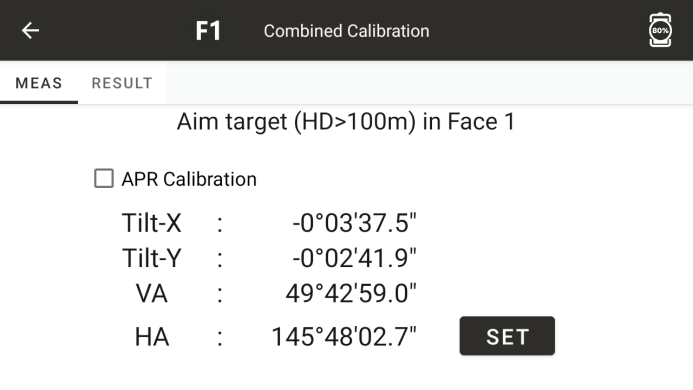
◆ Combination calibration: Simultaneously calibrate the instrument's i-angle, biaxial compensation, 2C, and calibrate ATR
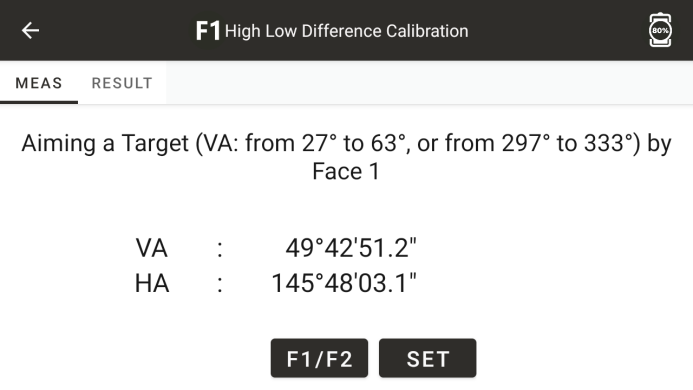
◆ Height difference correction: Correct the height difference
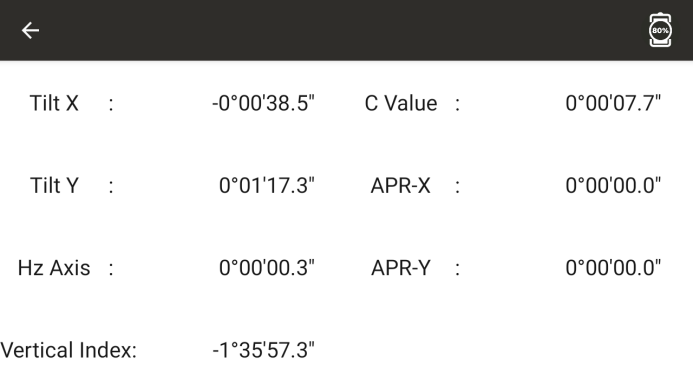
◆ View calibration values: View various calibration values
12.8 Auxiliary Functions
● Auxiliary setting options
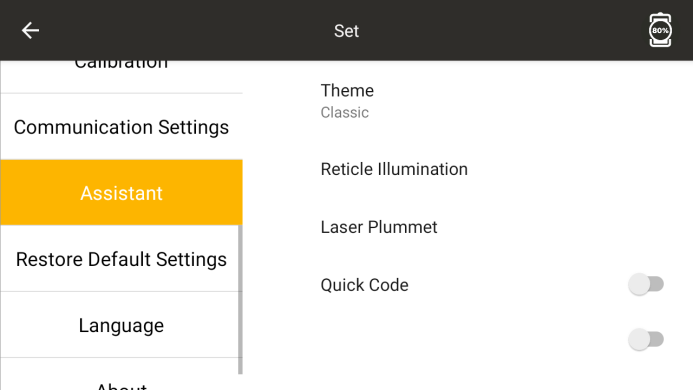
◆ Theme: Change theme color, choose classic, dark, light colors
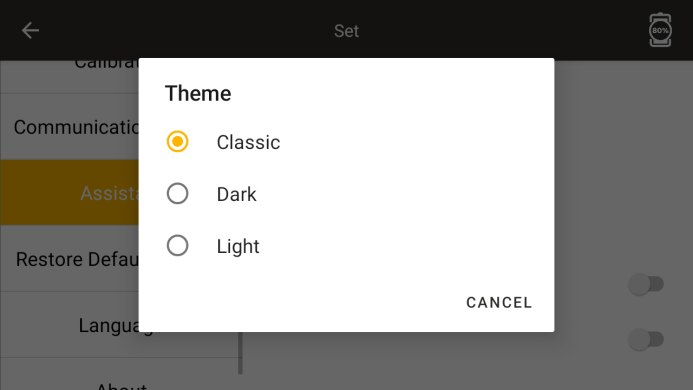
Night lighting brightness: Night lighting switch and adjust night lighting brightness.
12.9 Factory reset
● Restore various parameters to their factory settings
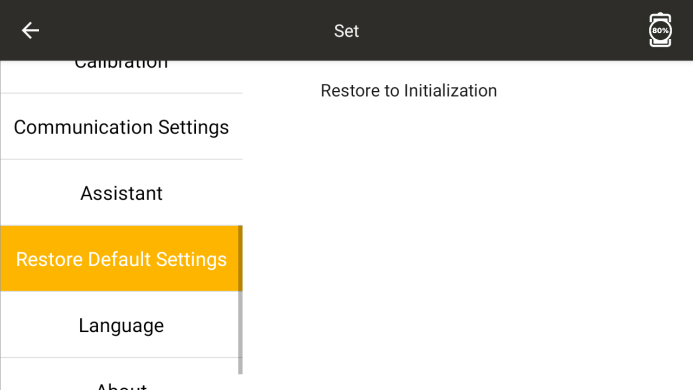
◆ Factory reset: Restore various parameters to their factory settings
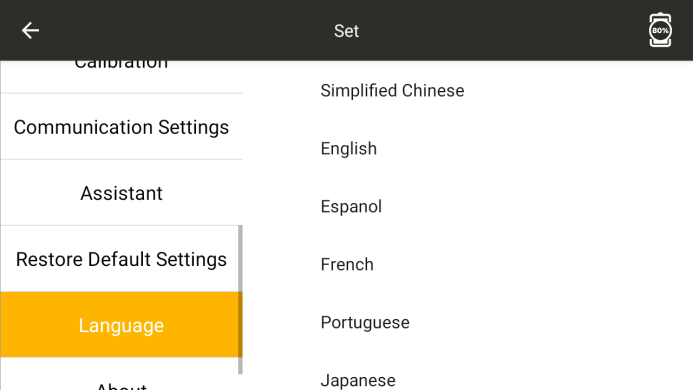
12.10 Language
To switch languages, you need to enter the built-in password
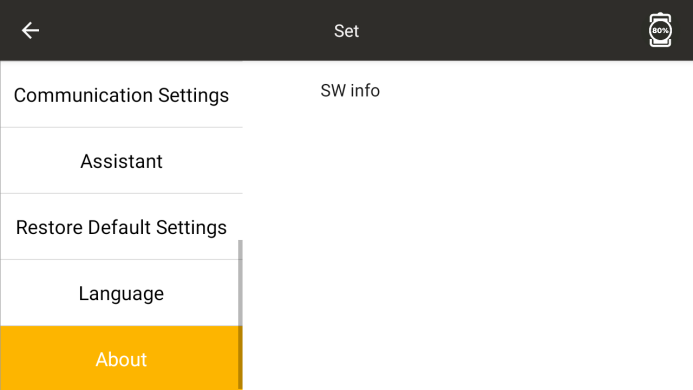
12.11 About
● View software version information