14. Quick function - ★ key
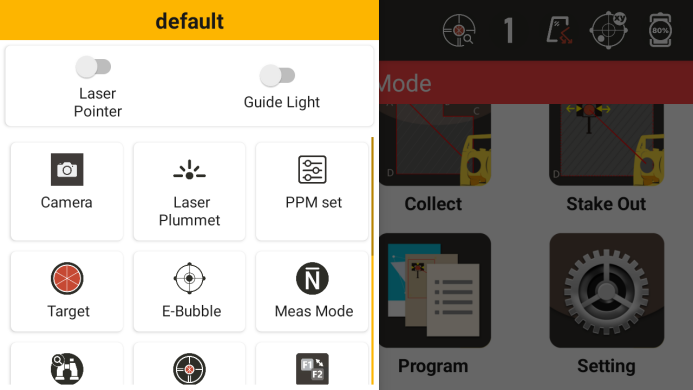
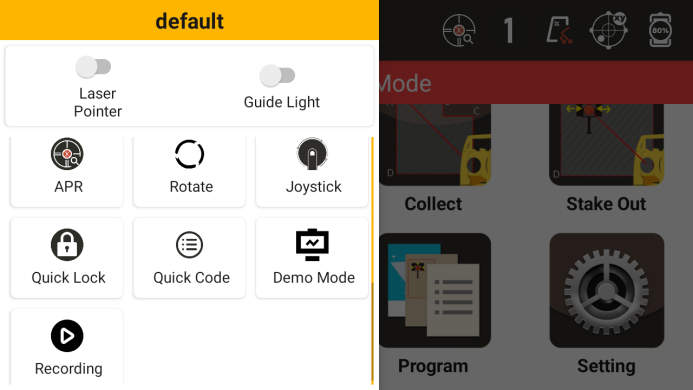
14.1 PPM setting
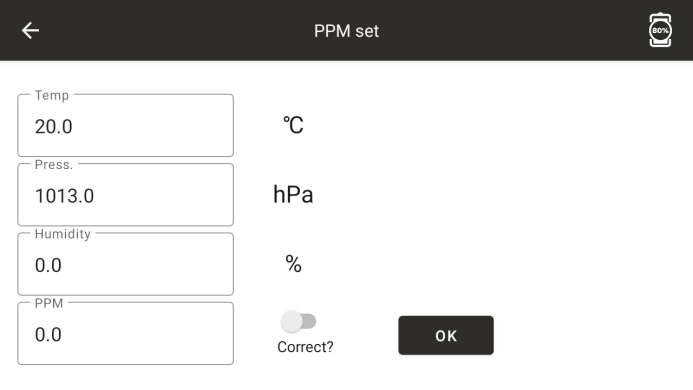
◆ Temperature: Set the project temperature
◆ Air pressure: Set the project air pressure
PPM: Set atmospheric correction value
14.2 Cooperation Objectives
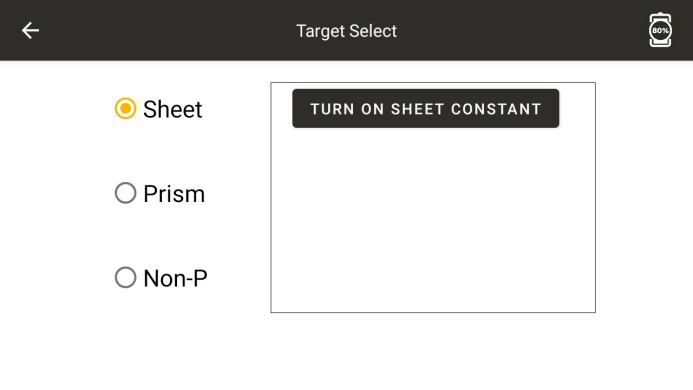
Prism: Set the cooperative target for distance measurement as a prism
◆ Reflective board: Set the cooperative target for distance measurement as the reflective board
◆ No cooperation: Set the distance measurement cooperation target to other objects
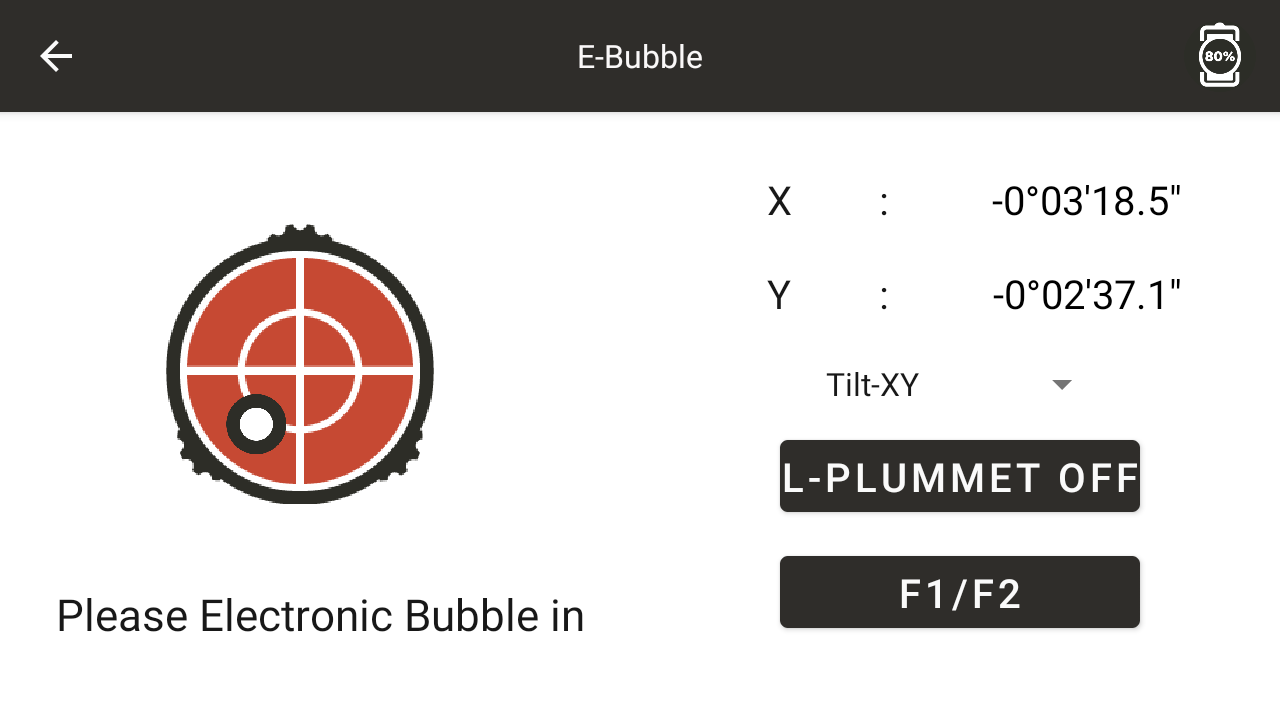
14.3 Electronic Bubble
14.4 Measurement Mode
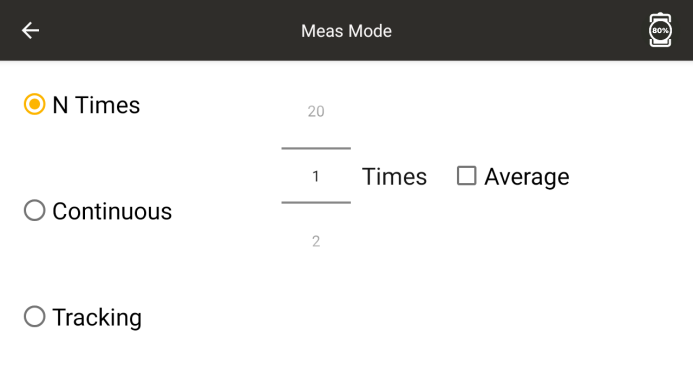
◆ N precision measurements: Set the measurement frequency to multiple measurements and select whether to adjust and display the results of N measurements
◆ Continuous precision testing: Conduct continuous precision testing
◆ Tracking measurement: Conduct continuous rough measurements, slightly faster but with slightly lower accuracy
14.5 laser point-to-point
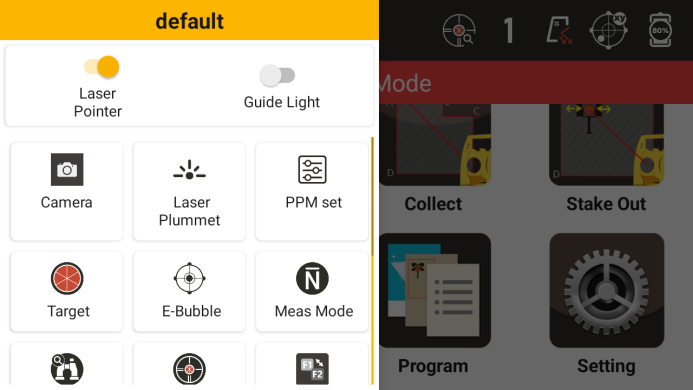
◆ Intensity and Brightness: Adjust the laser brightness
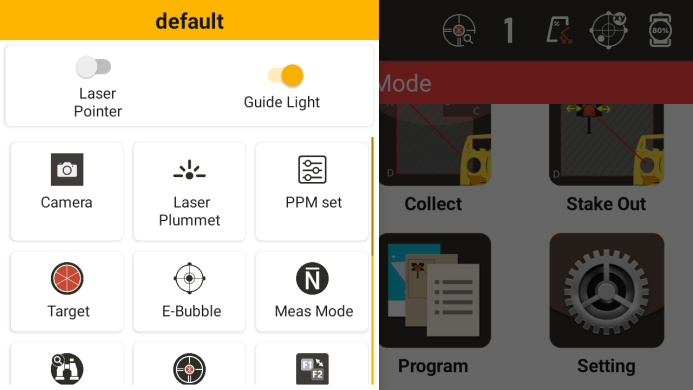
14.6 Guiding Light
14.7 Power Search
Click on power search to start power search. For related settings, please refer to the automation settings in the settings
14.8 Automation
● See 12.5
14.9 Inverted Mirror
● Face changing function, which can switch between the front mirror and the reverse mirror. After clicking, the instrument will automatically rotate to the other side
14.10 ATR Search
Click on ATR search to start the search. For related settings, please refer to the automation settings in the settings - ATR search
14.11 Control lever
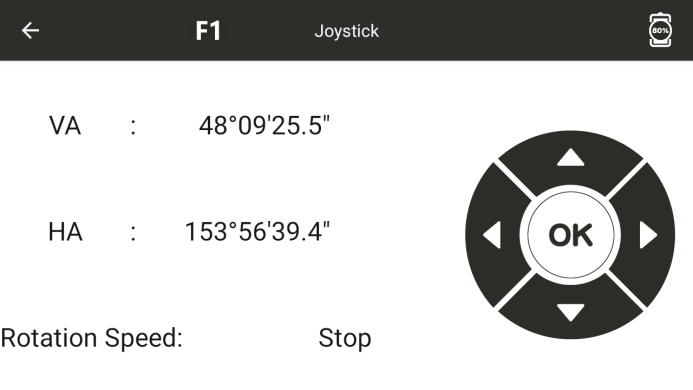
Control the instrument to rotate horizontally and vertically, with options including "ultra-low speed", "low speed", and "medium speed"
Four gears of "high speed"
14.12 Rotation
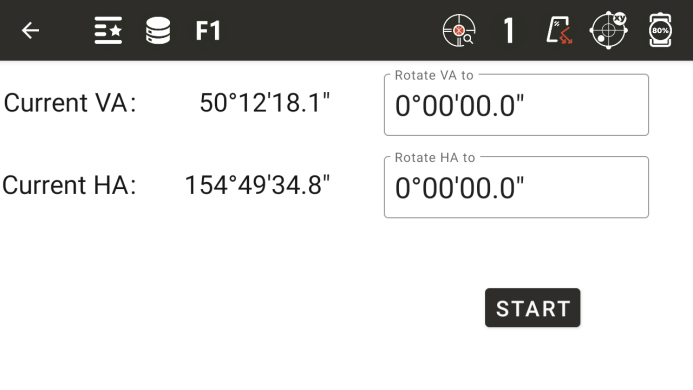
Enter the vertical and horizontal angle values, click [Start Rotation], and the instrument will automatically rotate to the specified angle