10. COGO
Universal calculation and measurement calculation through calculation programs, and the calculation results can be saved.
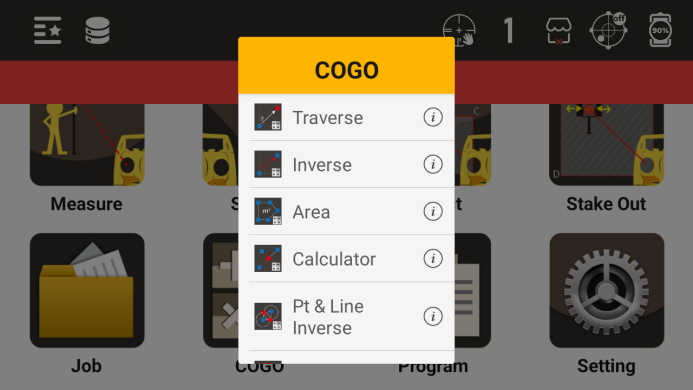
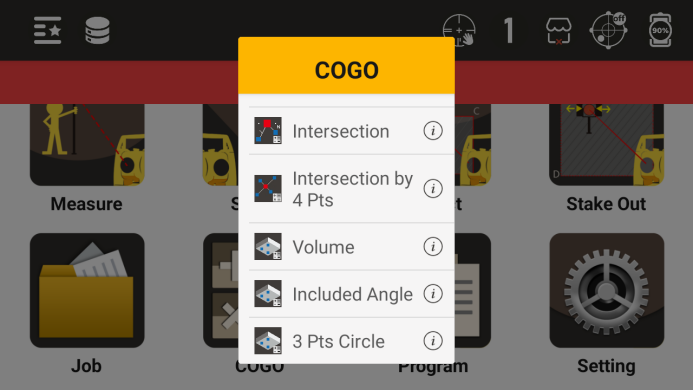
Calculation program menu
10.1 Coordinate Calculation
Calculate the coordinates of the desired point based on a known point and its azimuth and distance from that point
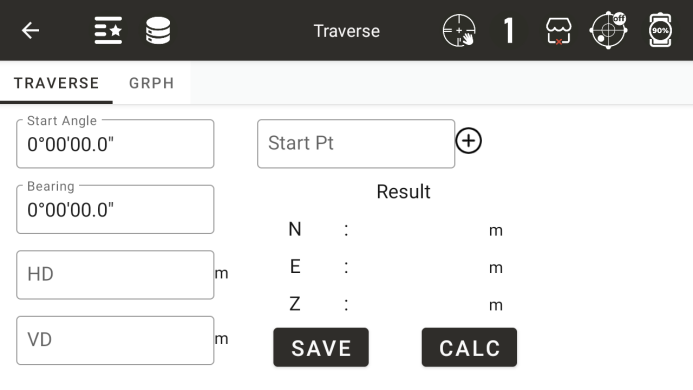
◆ Starting point: Enter a name for a known point
◆ [+]: Call a known point
◆ Starting angle: a known angle starting from a known point
◆ Corner: The angle of rotation from the starting angle to the right
◆ Horizontal distance: the horizontal distance from the starting point to the desired point
◆ Height difference: The height difference between the starting point and the desired point
◆ [Save]: To save the calculation results, the first step is to perform effective calculations
◆ [Calculation]: Calculate the result coordinates based on known data and display them in the "Calculation Results Area".
10.2 Coordinate inverse calculation
Calculate the relationship between two known points
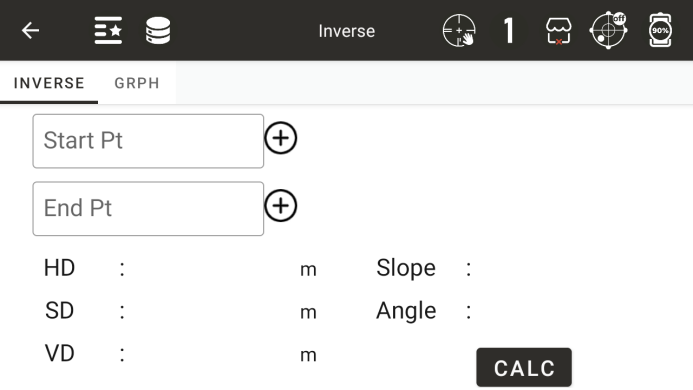
◆ Starting point: Enter the name of the starting point
◆ Ending point: Enter the name of the ending point
◆ [+]: Call or input information about a known point
◆ Horizontal distance: the horizontal distance between two points
◆ Slant distance: the inclined distance between two points
◆ Height difference: The height difference between two points
◆ Slope: Display the slope between two points
◆ Angle: The azimuth angle between two points
◆ [Calculation]: Start the calculation
10.3 Area perimeter
Calculate the area based on known point data
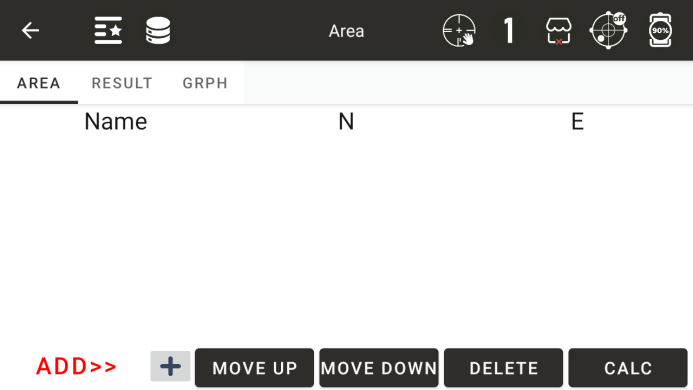
Display the data of the added coordinate points in the list
◆ [Add] or [Insert]: Select the position of the added point in the list
◆ [+]: Add a point data to the list
◆ [Delete]: Delete point data from the selected list
◆ [Calculation]: Calculate the area based on the data from the current known points
◆: Display the last calculation result
● Display the result of the last calculated area
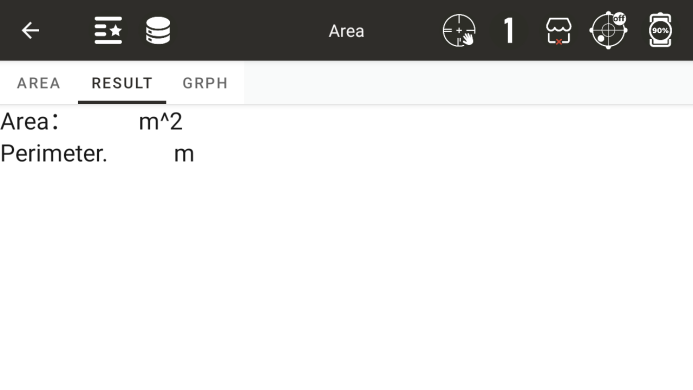
◆: A graphic that displays the area
10.4 Point line reverse calculation
Form a straight line based on the starting and ending points, draw a perpendicular line from the offset point to this line, and calculate the horizontal distance from the starting point to the vertical foot and the horizontal distance from the offset point to the vertical foot.
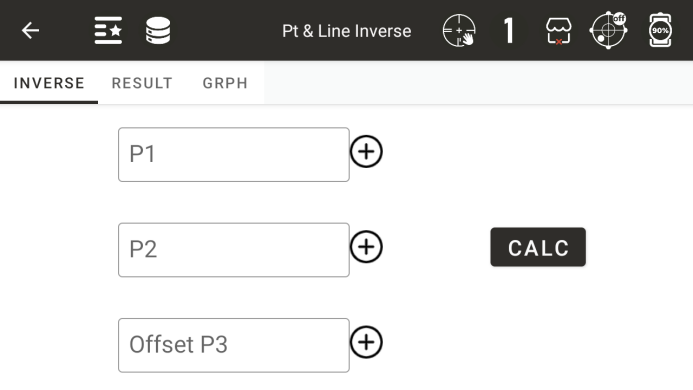
◆ Starting point P1: Input or call the coordinate values of the starting point
◆ Endpoint P2: Enter or call the coordinate values of the endpoint
◆ Offset point P3: Input or call the coordinate value of the offset point
◆ [Calculation]: Calculate after inputting the first three known points
● Display the results of point line reverse calculation
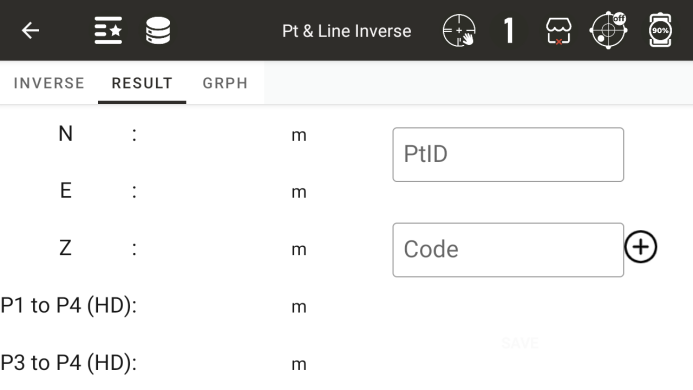
◆ [Save]: Save the coordinates of the vertical foot
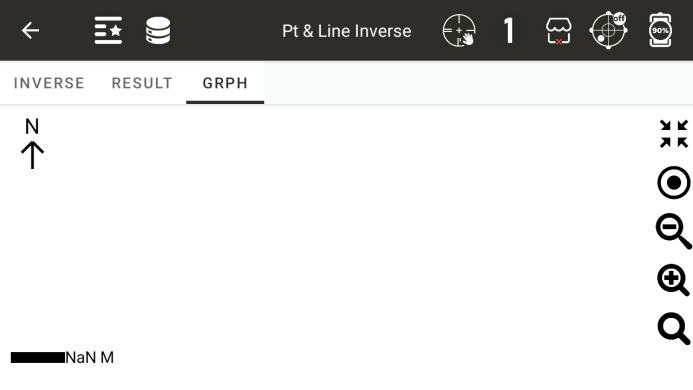
● Display point line reverse calculation graphics
10.5 Points Intersections
Calculate the coordinates of the intersection point based on two starting points and the angle or distance value from these two starting points to the intersection point.
Calculate the intersection point based on two distance values
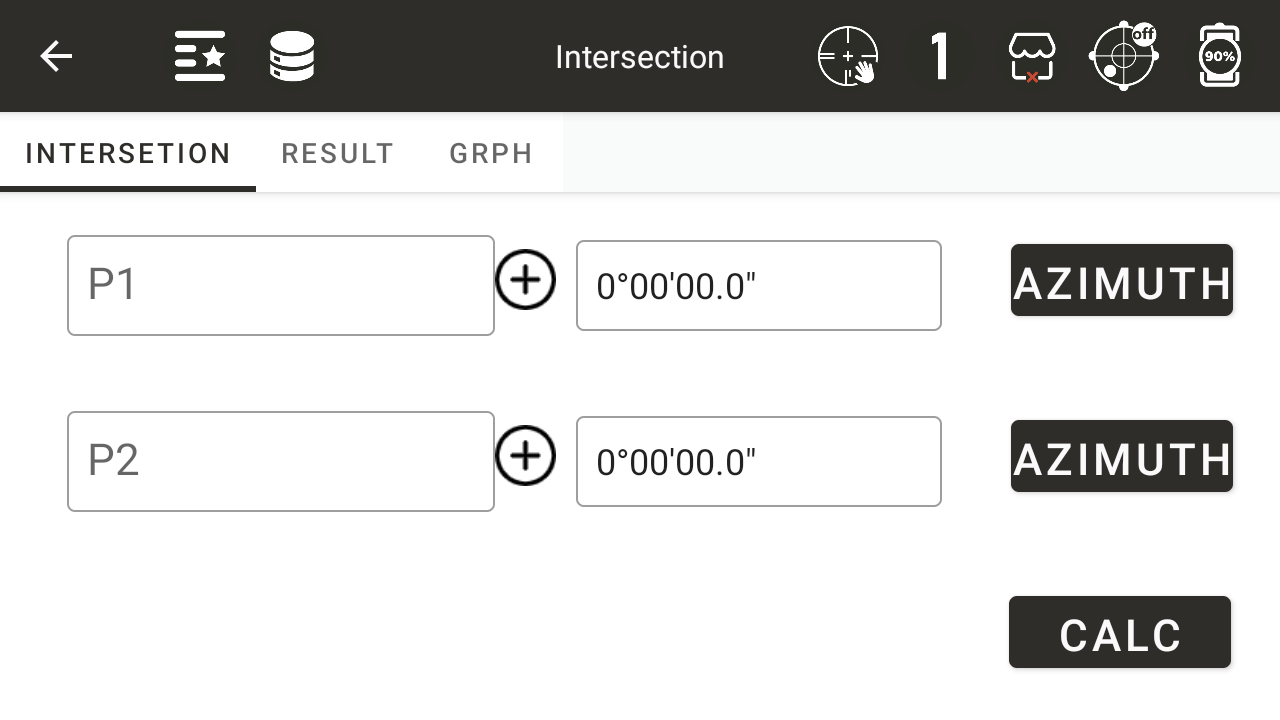
◆ [Distance]: Switch between angle and distance values, displaying the current calculation status as distance
◆ [Calculation]: Calculate the coordinates of the intersection point
Calculate the intersection coordinates based on two azimuth angles
◆ [Azimuth]: The azimuth angle from the starting point to the intersection point
Calculate the intersection coordinates based on a distance value and an azimuth angle
The coordinates of the calculated intersection points will be displayed based on the number of intersection points
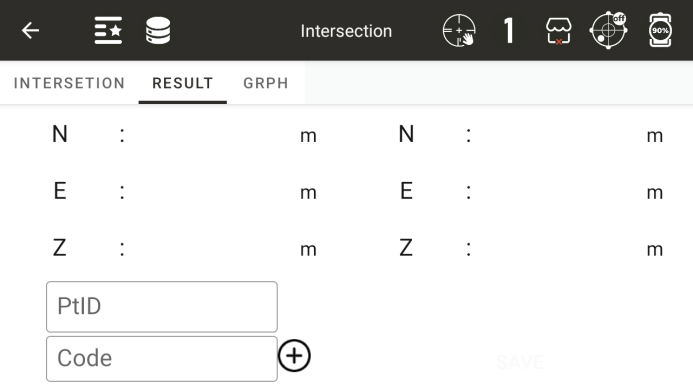
◆ [Save]: Save the intersection point coordinates, and the point names of the second coordinate point will be automatically accumulated
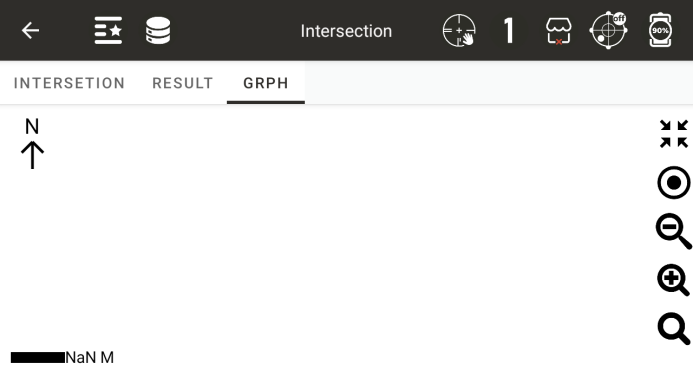
● Graph for Intersection Calculation
10.6 Four points intersection
Form two straight lines based on four points and calculate the intersection coordinates of the two lines
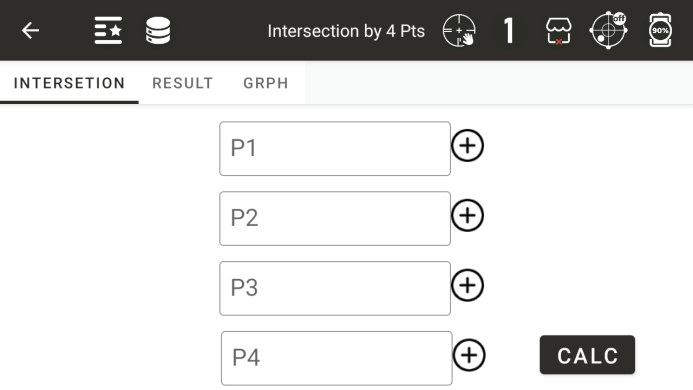
◆ Starting point P1: the first point on the straight line
◆ Endpoint P2: The second point on the straight line
◆ Starting point P3: the third point on the straight line
◆ Endpoint P4: The fourth point on the straight line
◆ [Calculation]: Calculate the coordinates of the intersection point
● Display intersection coordinates
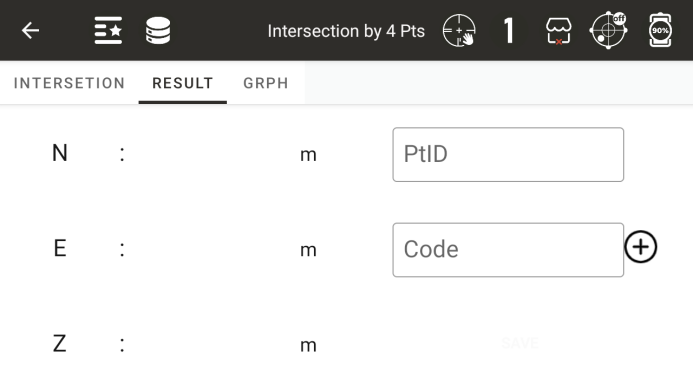
◆ [Save]: Save the intersection point coordinates
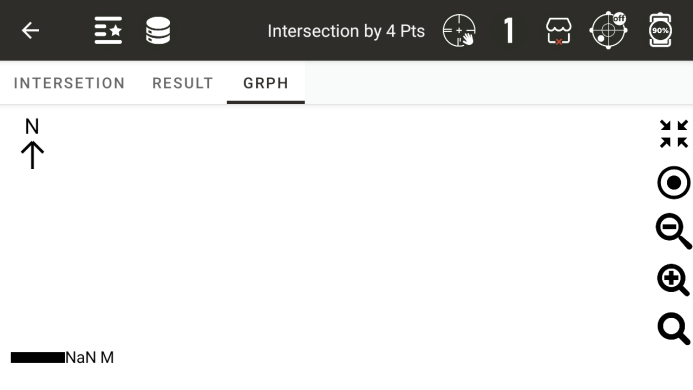
● Display a graph of four calculated intersection points
10.7 Volume Calculation
Form a triangular network based on all the points in the list, and then calculate the volume using the reference elevation as the reference surface
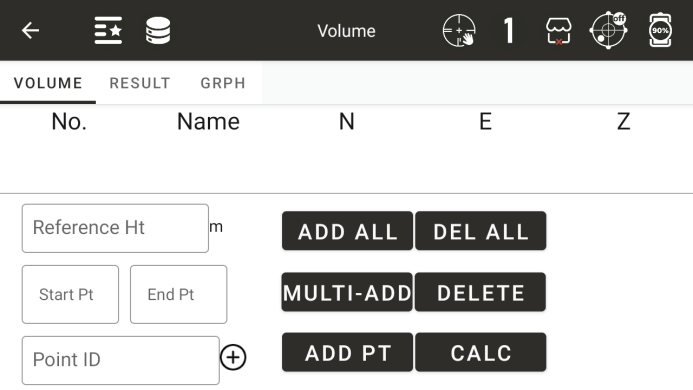
Reference elevation: Enter the reference elevation used for calculation, with positive volume above the reference elevation and negative volume below the reference elevation
◆ [Delete]: Delete points from the selected list
◆ [Delete All]: Delete all points in the list
◆ [Calculation]: Calculate the volume based on the points in the list and the reference elevation
◆ [Add All]: Add all points in the current project, up to a maximum of 200 points
◆ [Batch Add]: Batch add points involved in the calculation
◆ [Add Single Point]: Add a point to the list
● Volume calculation results
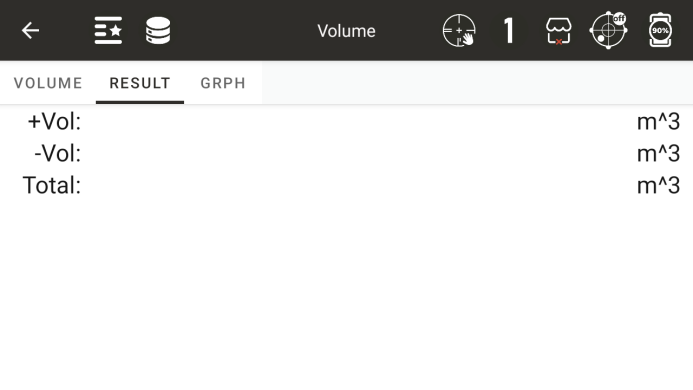
Positive volume: the volume on the reference elevation plane
Negative volume: the volume below the reference elevation plane
Total volume: the sum of positive and negative volumes
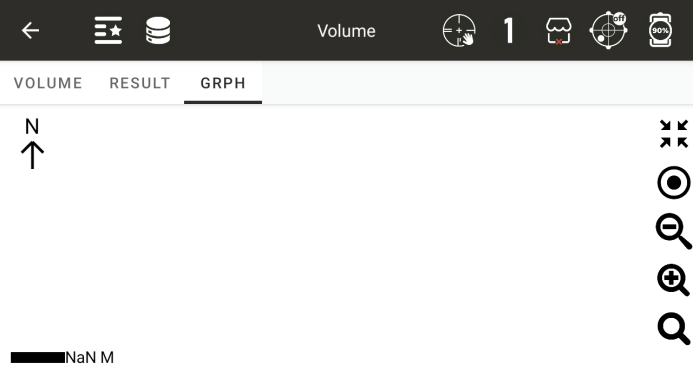
The graphic of the triangular network formed by volume calculation
10.8 Calculator
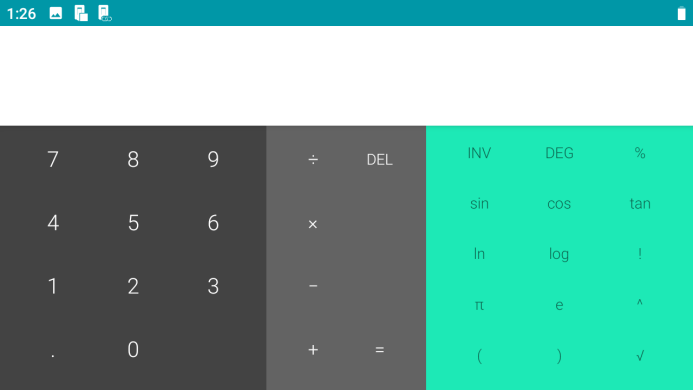
Scientific calculator (only describing function keys, other functions are universal symbols for ordinary calculators)