Device Installation Guide
Device Components
The Tersus MVP S1 consists of two main parts: the scanner and the dedicated handle (which contains the battery). The handle provides power and supports the main unit, while the scanner houses the LiDAR, cameras, RTK module, storage module, and other components.
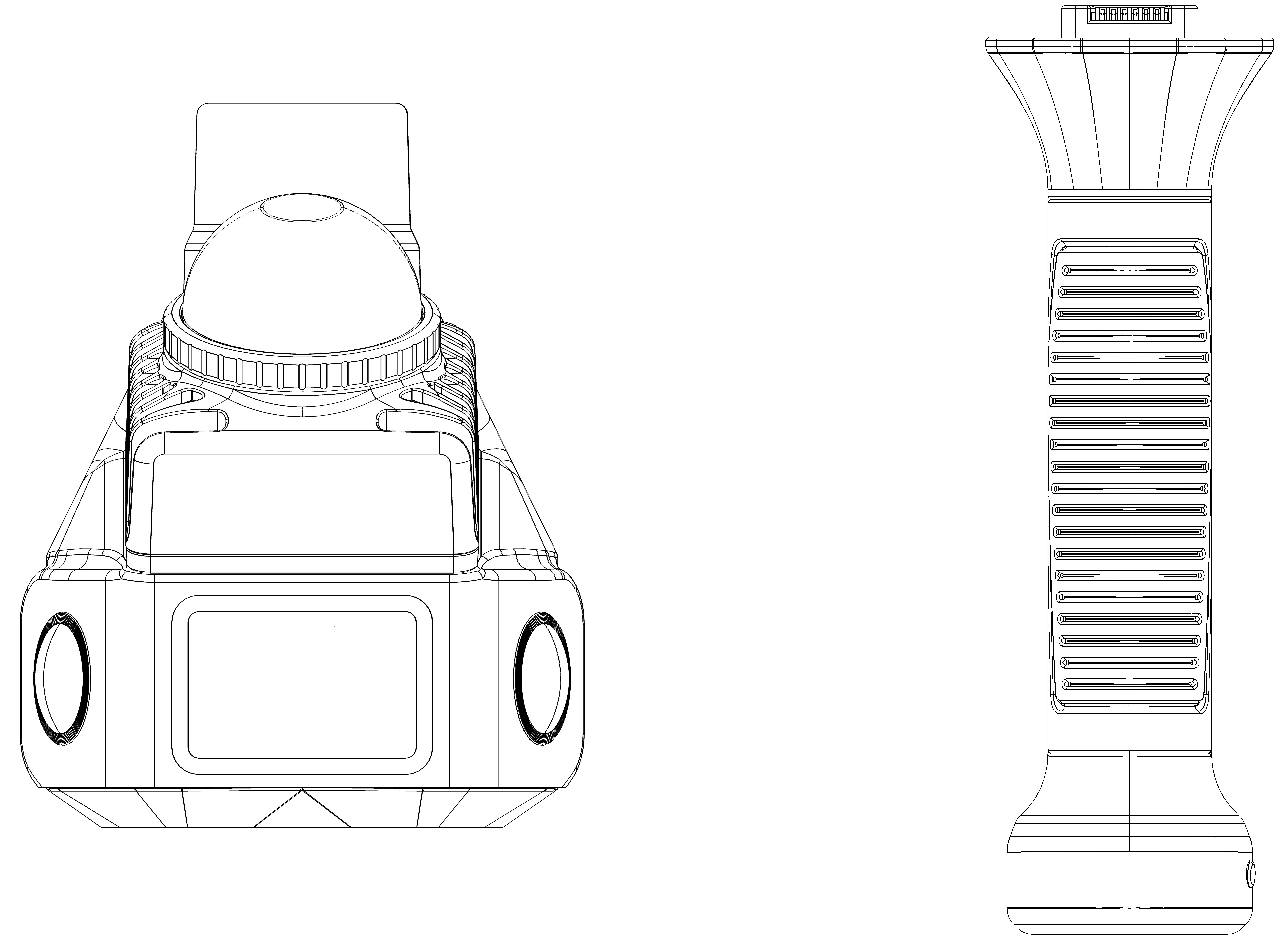
Figure: Scanner and Handle (Front View)
Installation
2.2.1 Mounting the Positioning Plate
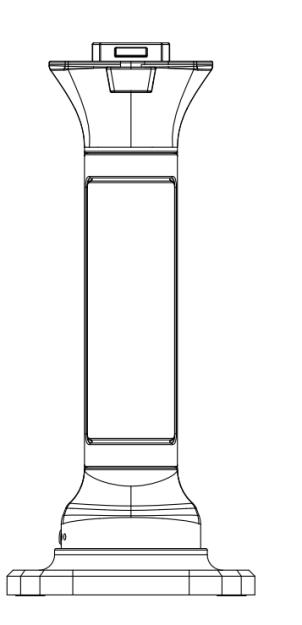
First, attach the handle to the positioning plate. Attach the handle to the base plate and tighten the screw clockwise. Gently shake the assembly to ensure the handle and positioning plate are securely installed.
 []
[]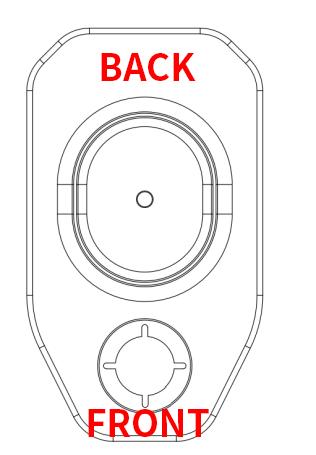
Figure: Handle (Rear View) and Positioning Plate
\
2.2.2 Full Device Assembly
Align the power interface on the top of the handle with the power interface on the bottom of the scanner. Ensure the white circular mark on the scanner faces toward you. Gently press the scanner downward until it clicks into place, indicating successful installation.
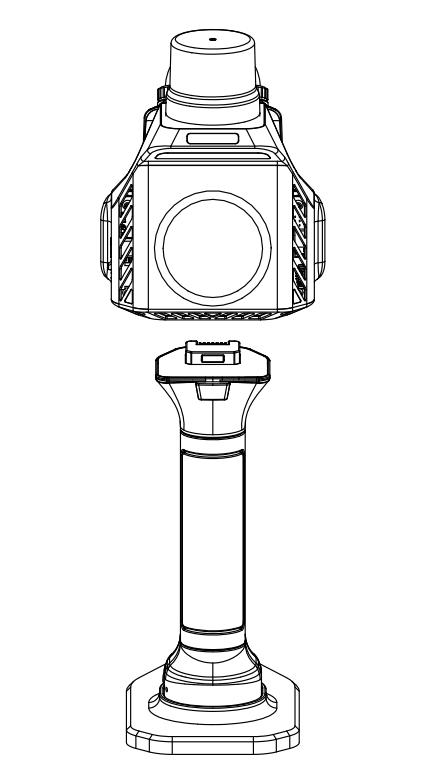
Figure: Full Device Assembly (Rear View)
Disassembly
Hold the handle with your left hand and the scanner with your right hand. Press the button located above the handle while pulling the scanner upward. Be careful not to use excessive force to avoid damaging the device. Finally, rotate the positioning plate screw counterclockwise until the handle can be detached.
\
Charging
To charge the device, the scanner must be detached from the handle, while the handle and positioning plate do not need to be removed. Insert the included charging adapter into the Type-C port at the bottom of the handle. The battery is charging when the power indicator lights turn on sequentially. During scanning, a portable power bank may be used to charge the device; however, this may affect the battery's lifespan.
\